A queue management system that has more features yet costs 90%+ less than others

A virtual queue management system with SMS and WhatsApp notifications, multiple service stations, front staff, kiosks, display screens, appointments, customer forms, analytics and more.


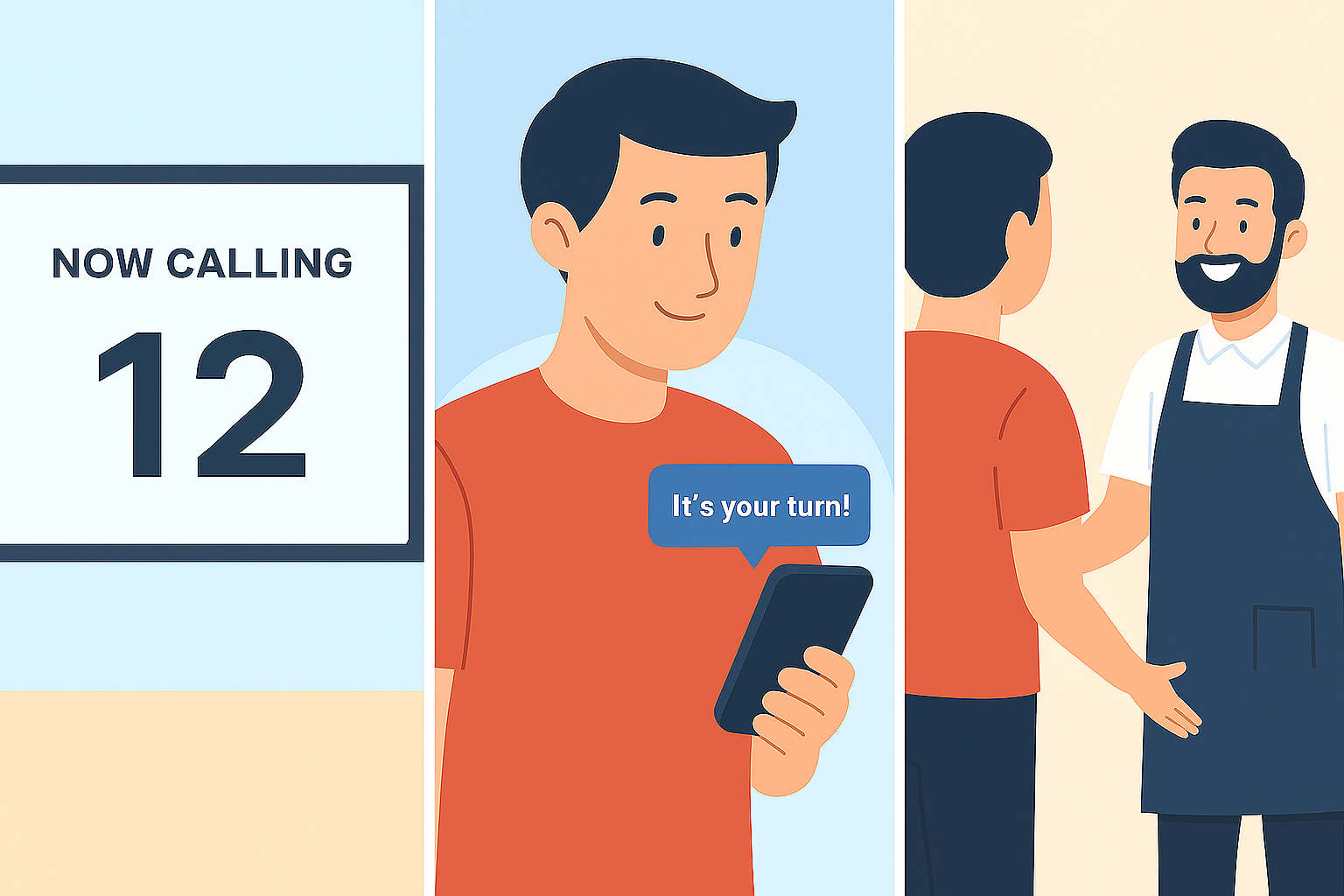
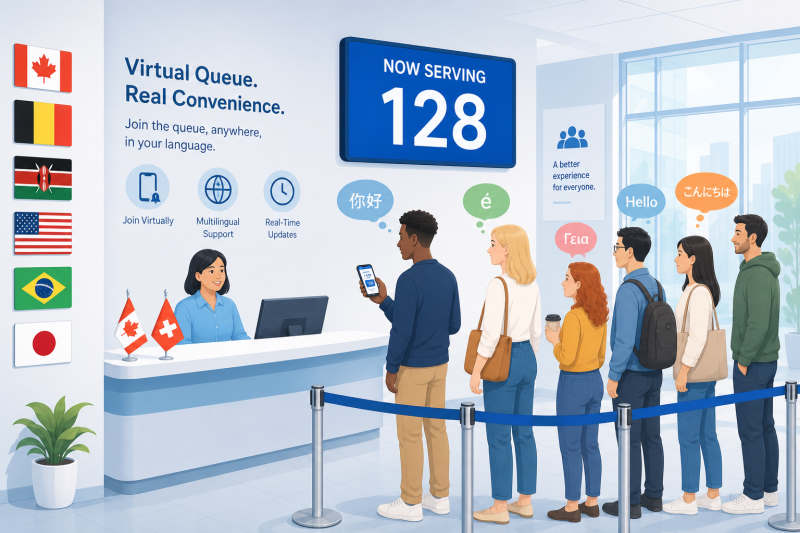
Customers keep their place in line and walk in when it is their turn
Virtual Queue Management System Demo

Easy Queue Management

You can work while the app automates the waitlist for you. Customers register themselves, request extra time if they are running late, and when it is their turn, you can invite them in with one click.

Manage Multiple Queues

Run several queues from one screen. Call the next customer in any queue with one click.

Perfect for small businesses

You can work and easily manage the queue at the same time.

The waitlist manages itself

Customers can see their place in line and can make changes themselves.

Fewer missed appointments

Customers can get more time if they are late.

Advanced Notification Icon

Many Communication Methods

Keep your customers informed wherever they are. Our system uses SMS, WhatsApp, email, and a real-time web app to update customers on their place in line.

On their device

Via SMS, WhatsApp, email, push, or the web app.

On a display screen

Real-time updates for everyone waiting on-site.

Through staff members

Staff are informed of the next customer and can personally call or assist them.

Easy to Join

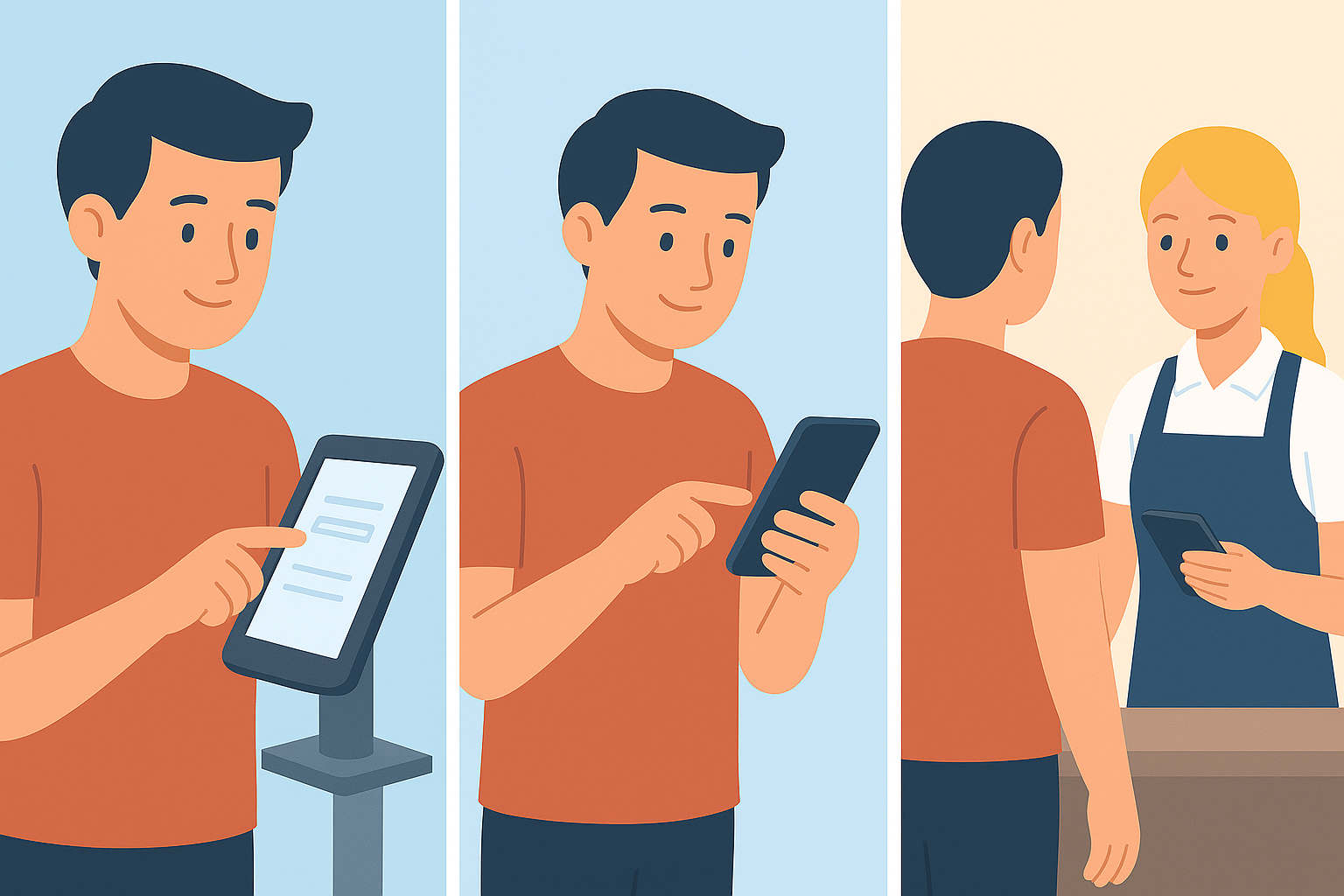
Customers can join a queue in the way that works best for them:

At a kiosk on-site

Clients without a phone can register themselves.

From their own device online

No need to download or install anything.

With staff members

Staff can add customers directly into a queue.

Customer forms icon

Customer forms

Create forms so customers can provide the information you need before they are served. Customers can fill them out on their phone when they join the queue or while they wait. Staff can see their answers in the staff app.

Veterinarians

Customers provide details about their pet before the appointment.

Clinics

Customers answer your questions before they are seen.

Government Offices

Customers provide the information you need before they reach the counter.

Book a time

Let customers book appointments in advance and check in at the kiosk when they arrive. Send appointment reminders via SMS or WhatsApp to help reduce no-shows.

Built for multilingual service environments

QBright is designed for businesses and public services that serve customers in more than one language. We are based in Canada, so we have direct experience with bilingual systems and multilingual communities.

QBright is a good choice for multilingual countries and regions such as:

Canada

English, French, and other commonly spoken languages

Belgium

Dutch, French, and German

Switzerland

German, French, and Italian

Cameroon, Rwanda, and Mauritius

English and French

Powerful Analytics Icon

Advanced Analytics

Understand how your queues are performing with clear, easy-to-read reports.

Live queue data

See the current queue length, wait times, and how customers move through the line. Adjust staff before problems grow.

Service statistics

Track how long service takes, how many customers do not arrive, and your busiest hours.

Historical trends

View trends by day, week, or month. Use past data to plan for busy days.

Ideal for businesses icon

Virtual Queue Management for Small and Large Businesses

QBright is ideal for independent barber shops, restaurants, cafes, clinics, pharmacies, veterinarians, banks, government offices, car dealerships.

A virtual queue experience for service-based businesses and their customers.
Clinics & Medical Offices
Veterinarians
Nail Salons
Pharmacies
Government Offices
Banks & Financial Services
Car Dealerships

Need a sophisticated and exceptionally priced virtual queue management system for your business?

Data Security Icon

Your Data, Your Control

Business is competitive and your data is one of your greatest assets. That's why we make privacy a priority:

No third-party sharing

Your website traffic, customer data, and business data stay with you alone.

We are here for you alone

We're a small, independent company, unaffiliated with any other company.

Private infrastructure

All data is retained securely on our private servers.

You have full data ownership

You have full control over your information. Download or delete it anytime.

Pricing Icon

Prices

With any paid monthly subscription, you will receive SMS and WhatsApp credits each month.

Note: WhatsApp conversations can be completely free if initiated by the customer. Sending an initial greeting message is optional, but recommended, and requires credits (A generous amount included in monthly plans). Once a customer initiates the conversation, all messages are free for 24 hours.

Price
Free
No. of Customers
200
Price
$19.95 $40 per month
No. of Customers per Month
3,000
SMS/WhatsApp dollars included per month
$8.00
Up to 320 SMS and 1,560 WhatsApp messages*
Price
$39.95 $60 per month
No. of Customers per Month
6,000
SMS/WhatsApp dollars included per month
$30.00
Up to 1,200 SMS and 5,880 WhatsApp messages*
Price
$79.95 $120 per month
No. of Customers per Month
15,000
SMS/WhatsApp dollars included per month
$70.00
Up to 2,810 SMS and 13,720 WhatsApp messages*
* Message counts are estimates for USA and Canada based on current per-message rates. Rates vary by country; see the SMS & WhatsApp price list for details.

Frequently asked questions

1. What is QBright?

QBright is a virtual queue system for a real service desk. Customers join online, at a kiosk, or at the front desk. They see their place in line on their phone. Staff call them from a front desk or from a service station. Display screens, appointments, customer forms, SMS, and WhatsApp are part of the same system.

2. Do customers need to download an app?

No. They use a link in the browser. You can also check them in at a kiosk or at the front desk.

3. What is the difference between front staff and a service station?

Front staff keep several customers on the Called list. That is for a hostess, front desk, or waiting area. A service station serves one customer at a time. Calling the next person replaces the current one. That is for a barber, clerk, teller, or other window. You can use up to 30 stations.

4. Are kiosks and display screens included?

Yes. Customers can join at a kiosk. You can show who is being called on a monitor or TV. You do not need to buy a separate queue hardware package.

5. Can customers fill in forms while they wait?

Yes. You create the questions. Customers answer on their phone when they join or while they wait. Staff see the answers in the staff app before they serve them.

6. How do walk-ins work with appointments?

Both use the same queue. Customers can book a time, get a reminder by SMS or WhatsApp, and check in at the kiosk when they arrive. Staff control the order.

7. How much does it cost?

Start free. $19.95 per month includes 2,500 visits. See Prices on this page.

8. Why is it 90%+ less than typical full systems?

A full setup means kiosk, service stations, display screens, appointments, forms, and messaging. Other full systems often charge hundreds of dollars per month for that, or sell hardware with a custom quote. QBright is that setup in the browser at a small-business monthly price.

9. Why is QBright a good fit for government and large organizations?

A public counter and a large service desk use the same model: reception at the front, then many windows. QBright gives you a front desk app, up to 30 service stations, kiosks, display screens, appointments, and forms so people can give information before they reach the counter. Customers see their place in line on their phone and do not need to install an app. The system supports 42 languages. Your data stays on our private servers, with no third-party sharing. You get that full setup for $19.95 per month for 2,500 visits, instead of a custom hardware quote.

10. Can we run several counters and queues?

Yes. You can run more than one queue from one screen and call the next person at any station. Front staff can keep several people on the Called list. Each station serves one person at a time. That is how a licensing office, clinic, or bank branch runs a line with many windows.

11. Do you support SMS and WhatsApp?

Yes. Customers can get updates by SMS, WhatsApp, email, push, or the web app. Customer-started WhatsApp conversations can continue at no extra message cost for 24 hours.

Outdoor Queues Icon

Virtual Queue Management for High-Traffic Places

Introducing the QCrowds App. Managing long outdoor lines has never been easier.

Our companion system, QCrowds, is built for high-traffic venues like:

Events & Festivals
Museums & Attractions
Amusement Parks & Ski Resorts
Nightclubs, Bars & More

With QCrowds:

Front staff can manage the line with just a tap.

Front staff can keep track of occupancy at the same time.

Try Us

Ready to streamline your queues? Discover a better way to manage queues while increasing customer satisfaction.

Join thousands of businesses that have transformed their customer experience with our virtual queue management system.